Web design
Before and after photos that win jobs: a guide for contractors
Nothing sells a service like a before and after. How to shoot them on your phone, where to use them and the mistakes that make good work look average.
October 9, 20267 min readBy Plamen Bankov, Boomtown Sites
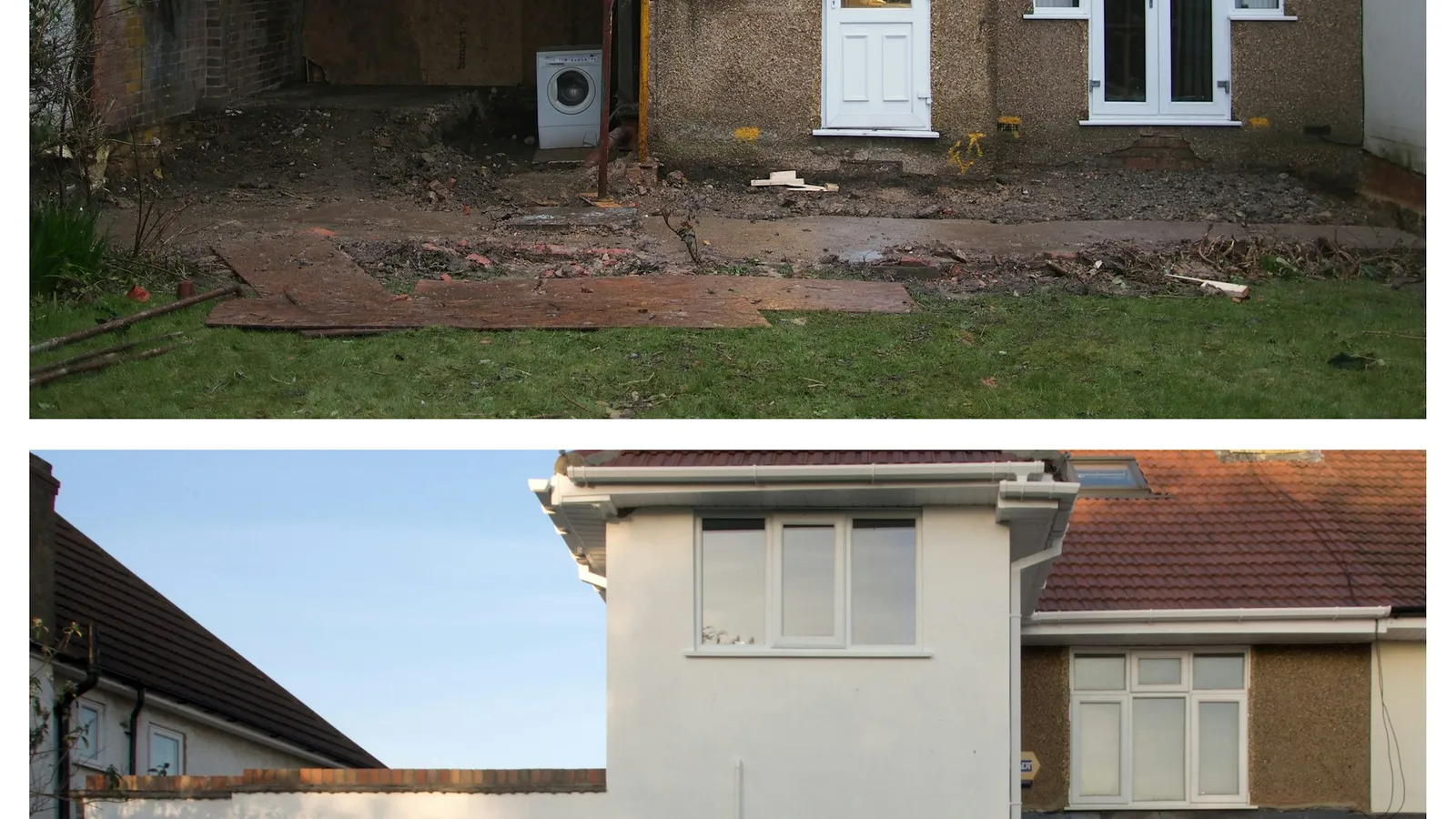
A homeowner looking for a contractor cannot judge your workmanship from a list of services. They can judge it in one second from a photo of a cracked, stained driveway next to the same driveway freshly sealed. Before and after photos are the most convincing thing you can put on your website, your Google profile and your social media.
Searches for "before and after photos" have grown sharply over the past year, and it is easy to see why: people want proof before they hire. The problem is that most contractors take the after shot and forget the before, or take both from completely different angles. Here is how to do it properly with nothing more than your phone.
1. Always take the before
This sounds obvious, but it is the step that gets skipped. When you arrive, before a single tool comes out of the truck, take your before photos. Make it part of the routine, like checking in with the customer.
Take more than you think you need. Three or four angles of the before give you options later.
2. Shoot from the exact same spot
The power of a before and after is that the only thing that changed is your work. If the before is a close up and the after is from across the street, the comparison falls apart.
- Stand in the same spot for both shots. Pick a landmark, like a mailbox or a fence post, to remember where you stood.
- Hold the phone at the same height and angle.
- Use the same zoom. Better yet, do not zoom at all.
- Keep your phone horizontal for websites and vertical for social media stories and reels. If you can, take both.
3. Mind the light
- Shoot in even light when possible. Bright midday sun creates harsh shadows that hide detail.
- Avoid shooting into the sun.
- For indoor jobs, turn on all the lights and open the blinds.
- Try to take both photos in similar light. A gloomy before and a sunny after can look like you are cheating, even when you are not.
4. Clean up the frame
Move the trash cans, hoses, tools and your truck out of the after shot. Wipe your phone lens, which is covered in dust on most job sites. These small things make the difference between a photo that looks professional and one that looks rushed.
5. Do not fake or over edit
Light cropping and straightening are fine. Heavy filters, boosted colors and anything that changes the actual work are not. Customers who see the real result and find it does not match your photos will say so in a review. And never use another company's photos as your own.
If you do not have your own photos yet, it is better to show fewer real ones than a gallery of stock images.
6. Get permission and protect privacy
Most homeowners are happy for you to use photos of their project. Ask anyway, ideally in your contract or when you take the photos. Avoid showing house numbers, license plates, family members or anything personal inside the home.
7. Where to use them
Your website
Put your strongest before and after near the top of your home page, not buried in a gallery. Add a few more on each service page. A side by side or a slider where visitors drag to reveal the after works very well on phones.
Several of the sites we have built lean on this, like the sandblasting and sealcoating sites where the transformation is the whole pitch.
Your Google Business Profile
Upload new photos regularly. Profiles with fresh, real photos look active, and the photos show up when people find you in the map. More in how to get your business on Google Maps.
Social media
Before and after content does well on Facebook, Instagram and TikTok. A short video that starts with the before and cuts to the after is one of the simplest formats that works. Tag the town, not the customer's address.
Estimates and follow ups
Attach two or three before and afters of similar jobs when you send an estimate. It answers "can they actually do this?" before the customer asks.
8. Name your files and add a caption
On your website, a photo named "driveway-sealcoating-wheeling-wv.jpg" with a short caption like "Driveway sealcoating in Wheeling, WV" tells Google what the image shows and where you work. "IMG_4821.jpg" tells it nothing. It is a small thing that adds up across dozens of photos. Our guide to SEO for contractors covers more of these basics.
Quick checklist for every job
- Take before photos the moment you arrive.
- Mark where you stood.
- Take the after from the same spot, same height, no zoom.
- Clear tools and trash out of the frame.
- Check permission with the customer.
- Upload the best pair to your Google profile and website.
If you have a phone full of before and afters and no good place to show them, we can turn them into a website. We build a free preview first, and you only pay if you like it. See our pricing page.
Frequently asked questions
How do I take good before and after photos?
Stand in the same spot, hold the phone the same way and shoot at a similar time of day for both photos. Clear away tools and trash from the after shot, and take more photos than you think you need.
Where should a contractor post before and after photos?
On your website gallery, your Google Business Profile and your Facebook page. The same pair of photos can do work in all three places.
Do I need permission to post photos of a customer job?
Ask the customer before you post, and avoid showing house numbers, license plates or people. Most customers say yes when you ask on the day the job is finished.